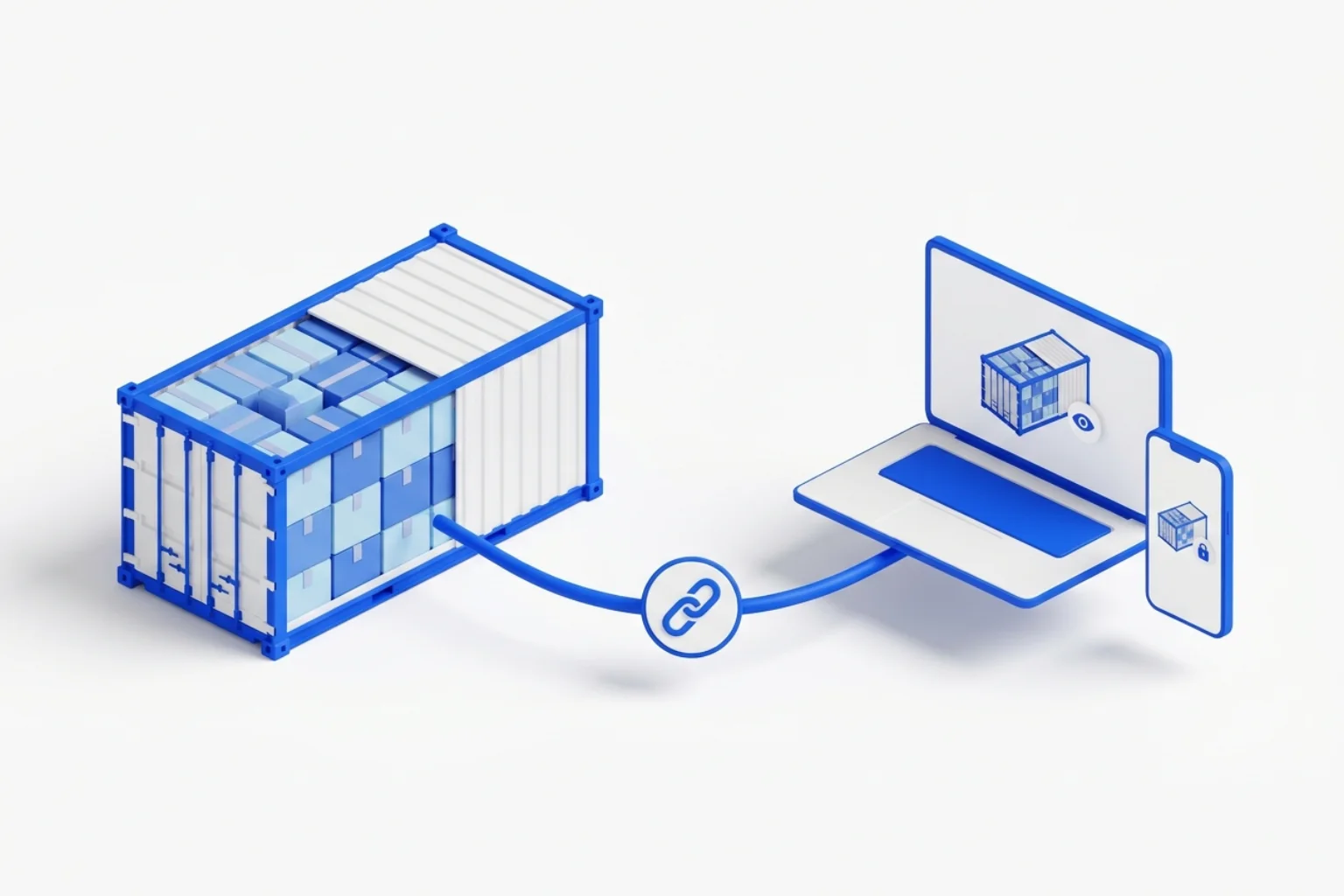
A read-only share link turns a saved cloud loading project into a browser-viewable 3D plan valid for 90 days. Recipients open the link without signing in, rotate the container, inspect loaded quantities, gross weight and cubic metres, and cannot accidentally alter your original project.
Why interactive 3D links beat static screenshots and spreadsheets
Exporting a single flat screenshot hides inner rows, rear stacks and mixed-SKU boundaries. Emailing spreadsheets tells the warehouse how many cartons to load, yet leaves them guessing how rows and columns were meant to divide the floor.
Read-only share links bridge that gap. From any saved cloud project on a Pro plan, one click copies a dedicated URL that opens an interactive 3D container scene in the recipient’s browser—complete with total units, m³ volume, gross weight, volume utilisation and any uploaded 3D box textures.
| Delivery format | Interactive 3D view | Requires recipient login | Can be revoked later |
|---|---|---|---|
| 90-day share link (Pro) | Yes — orbit, inspect & replay | No — opens in any browser | Yes — instant revocation |
| Printable report / PDF (Free) | Static snapshot only | No | No — file already sent |
| CSV / JSON export (Free) | Data table / local re-import | No | No — file already sent |
How frozen snapshots and recalculation keep shared plans accurate
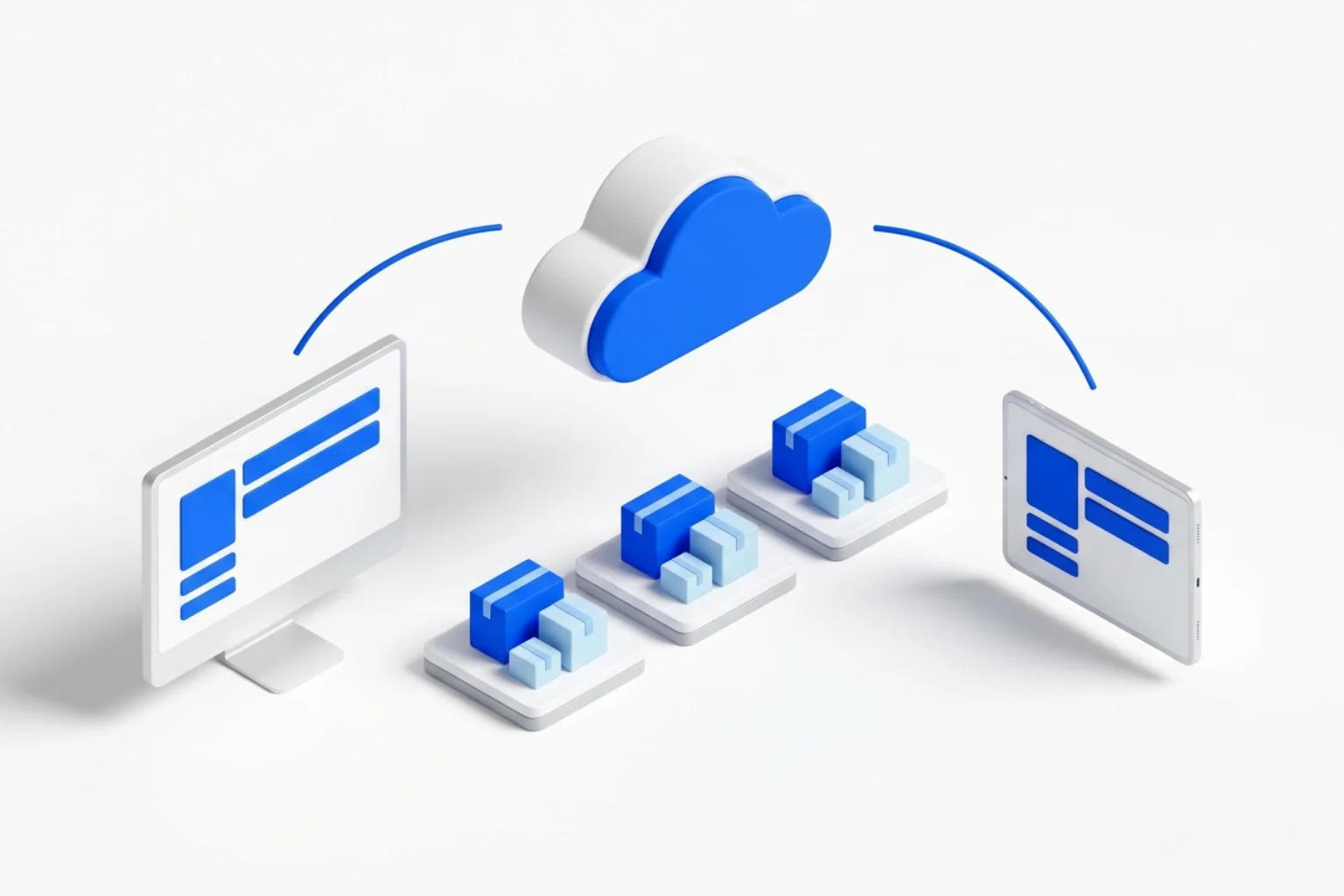
When you create a share link, Container Load Tool saves a frozen snapshot of that project’s container dimensions, cargo list, weights and rules in Cloudflare D1. Subsequent edits you make to your private working draft never silently mutate a link you already sent to a supplier.
When a recipient opens the link, their browser runs the same deterministic solver on that frozen input and renders the checked 3D layout locally. Both sides see identical loaded counts, remaining quantities, cubic metres and weight metrics.
- Snapshot stays immutable even if you later revise the source project.
- Works on desktop and mobile browsers in all six supported languages.
- Displays uploaded Pro multi-face box textures automatically.
- Zero editing controls on the share view so recipients cannot break parameters.
Managing link lifetime, privacy and instant revocation
Every share link carries an unguessable random token and stays active for 90 days—long enough to cover production, booking, ocean transit and destination stripping. Links are marked noindex and excluded from sitemaps so they are not indexed by search engines.
Inside the Cloud Panel you can view every link’s status (Active, Expired or Revoked), copy the URL again, or click Revoke at any time. Revocation takes effect immediately and returns a 404 page if an old order changes or a quote is cancelled.
Combining share links with on-site packing checks
Use the share link alongside your commercial packing list and booking confirmation so the stuffing supervisor can preview the layout before the container arrives. If the warehouse reports a different actual container height or doorway restriction, update your project, recalculate and send a fresh link.
As with every geometric plan, the shared 3D view verifies dimensions, overlap, stacking rules and gross weight within the model—it does not replace physical dunnage, lashing or axle-load verification under the CTU Code.
Open the load planner
Use your actual carton dimensions, weight and stacking rules to turn this example into a checked layout.
FAQ
Do factories or buyers need an account to view a shared link?
No. Anyone with the link can open the interactive 3D plan directly in their browser without registering or paying.
What happens if I edit my project after sending the link?
Your sent link stays tied to the frozen snapshot taken at the moment of sharing. Create a new link when you want to distribute an updated revision.
Can I cancel a share link before 90 days?
Yes. Open the Cloud Panel in the planner and click Revoke on any active link. Access stops immediately and returns an expired/not-found state.