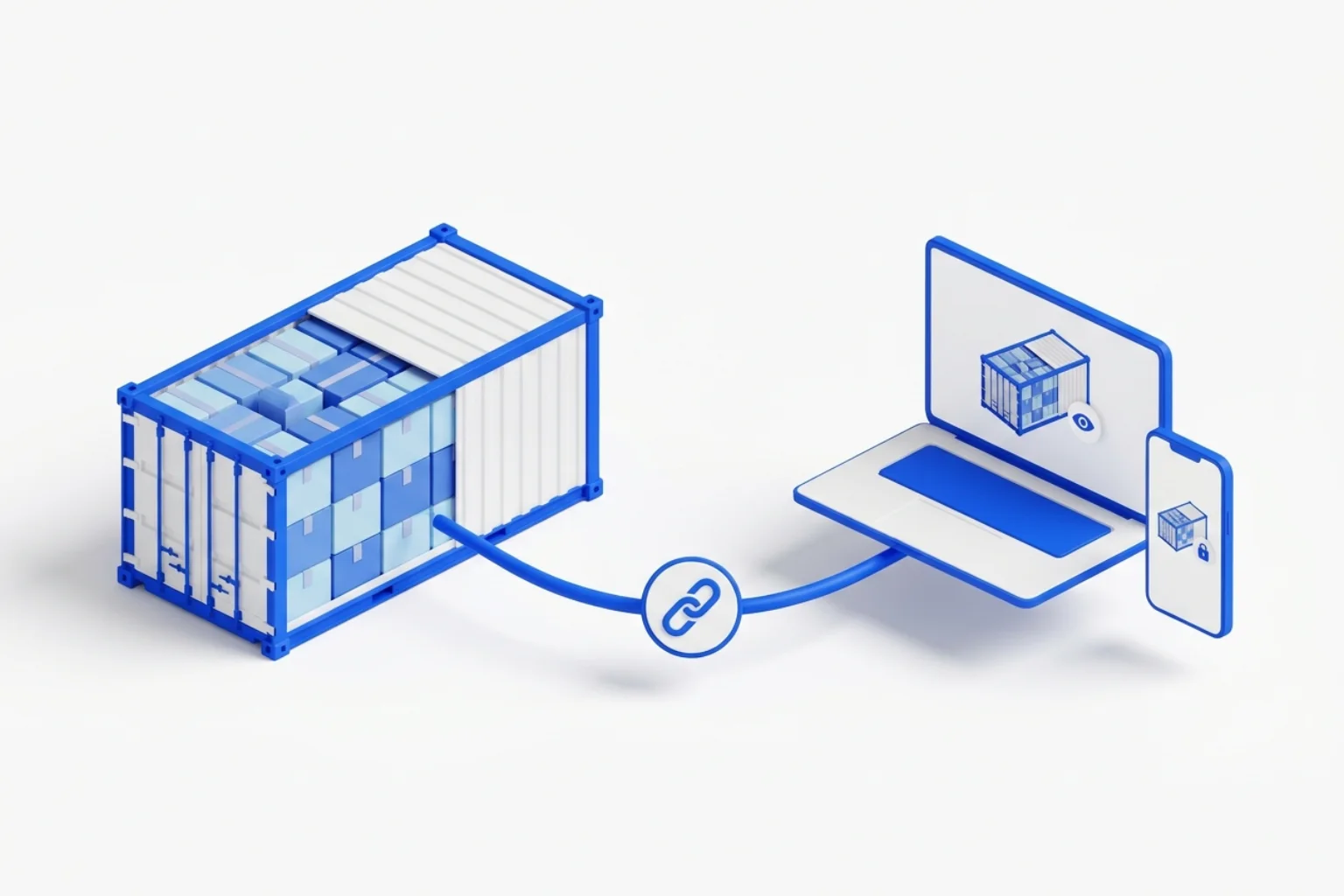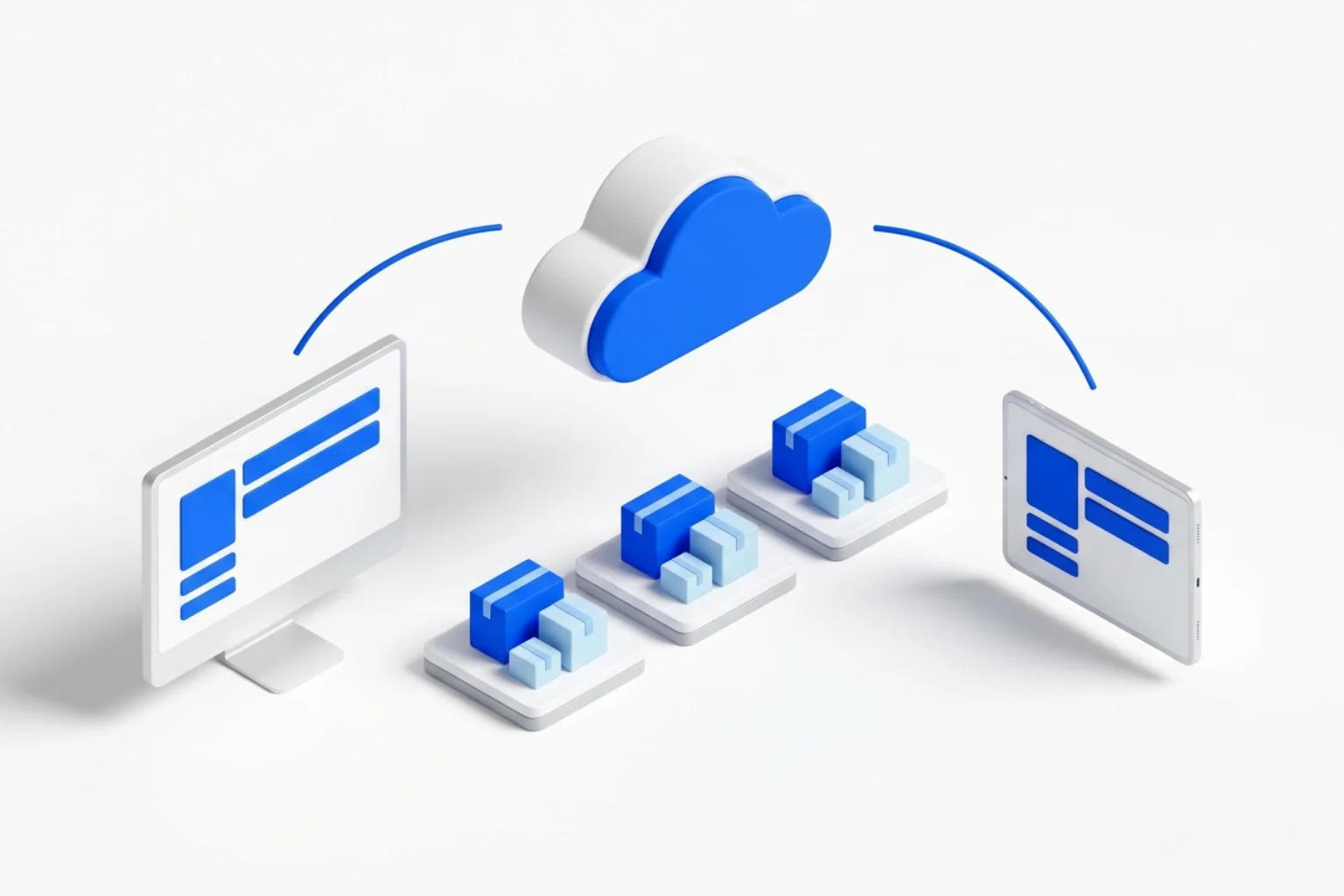
Signing in with Google enables cloud sync for your draft, product library, named loading projects and recent calculation runs via Cloudflare D1. Free accounts include 1 cloud project, 20 products and 20 saved runs; Pro expands those limits to 100 projects, 500 products and 100 runs.
When browser-only drafts are enough—and when cloud sync saves hours
For a one-off shipment check, local browser storage requires zero login and keeps everything on your device. However, export teams and freight planners rarely quote a container once: the same 50 to 300 carton SKUs reappear across weekly orders, and plans drafted in the office are frequently reviewed on a laptop or tablet at the warehouse.
Cloud sync keeps your master product library (dimensions, gross/net weights, rotation rules, stacking limits and Pro box textures) and named customer projects automatically available wherever you sign in.
| Capability | Local (no login) | Free account | Pro plan |
|---|---|---|---|
| 3D calculator, CSV & print | Unlimited | Unlimited | Unlimited |
| Cloud projects | Local JSON only | 1 project | 100 projects |
| Saved product library (SKUs) | Browser local only | 20 products | 500 products |
| Saved calculation history | Current session only | 20 runs | 100 runs |
| 3D multi-face box textures | Preview only | Preview only | Included (up to 200) |
| 90-day read-only share links | Not included | Not included | Included with revocation |
Safe local-to-cloud merging without overwriting work
If you start planning before signing in and already have a cloud draft on another device, Container Load Tool never silently overwrites either copy. A built-in conflict prompt lets you compare local and cloud timestamps and choose whether to keep the newer draft, load the cloud copy or push your local draft.
Your product library merges automatically by product ID with tombstone tracking for deletions, so deleting a discontinued SKU on one computer stays deleted instead of reappearing later.
- No silent overwrites when signing in with existing local drafts.
- Product library syncs incrementally in batches with soft-delete tombstones.
- Recent calculation history lets you restore earlier container and cargo inputs in one click.
- Download all cloud data as a single JSON archive or delete your account anytime.
How cloud projects store inputs vs local JSON backups
To keep sync fast and lightweight, cloud projects store your validated cargo and container inputs together with key result metrics (container type, loaded count, utilisation percentage and gross weight). Reopening a cloud project restores every parameter and prompts a fresh local calculation.
When you need an offline archival copy that preserves exact 3D box coordinates without recalculating, export a project JSON file from the Project menu alongside your cloud copy.
What happens to your cloud data if a Pro plan expires
Plan limits only gate new saves—they never delete existing work. If a Stripe subscription is cancelled or a Chinese WeChat Pay monthly/yearly Pro pass expires without renewal, every project, product and calculation record you already saved stays readable, loadable and exportable.
On the Chinese site, Pro supports manual WeChat Pay renewal (30-day or 365-day passes that stack onto remaining days) or a one-time lifetime purchase; international locales offer monthly or yearly Stripe subscriptions.
Open the load planner
Use your actual carton dimensions, weight and stacking rules to turn this example into a checked layout.
FAQ
Will my saved projects be deleted if my Pro plan ends?
No. All existing cloud projects, products and calculation runs remain intact and exportable. Only adding new items beyond the Free limits is paused until you renew or delete older items.
Can I export all my cloud data or delete my account?
Yes. Open the account menu in the planner header to download a complete JSON export of your cloud data or permanently delete your account, cloud records, shares and uploaded textures.
How does manual renewal work if I buy Pro on the Chinese site?
Chinese Pro plans use one-time WeChat Pay via Z-Pay with zero auto-renewal. Renewing before expiry automatically adds 30 or 365 days onto your existing end date, or you can upgrade once to the lifetime plan.